Quick Start
Sign Up
You need a vlt.io account to publish, and also to install through
your account's npm mirror: the mirror requires a token, even for
public npm packages.
For a team, invite each developer
(Members & Access Control); each
one logs in (or creates a personal token). Give CI and shared
environments (Vercel, coding-agent sandboxes) a service token with
only package:read (plus package:write if CI publishes), created by
an owner or admin — see
Authentication & Tokens.
- 1
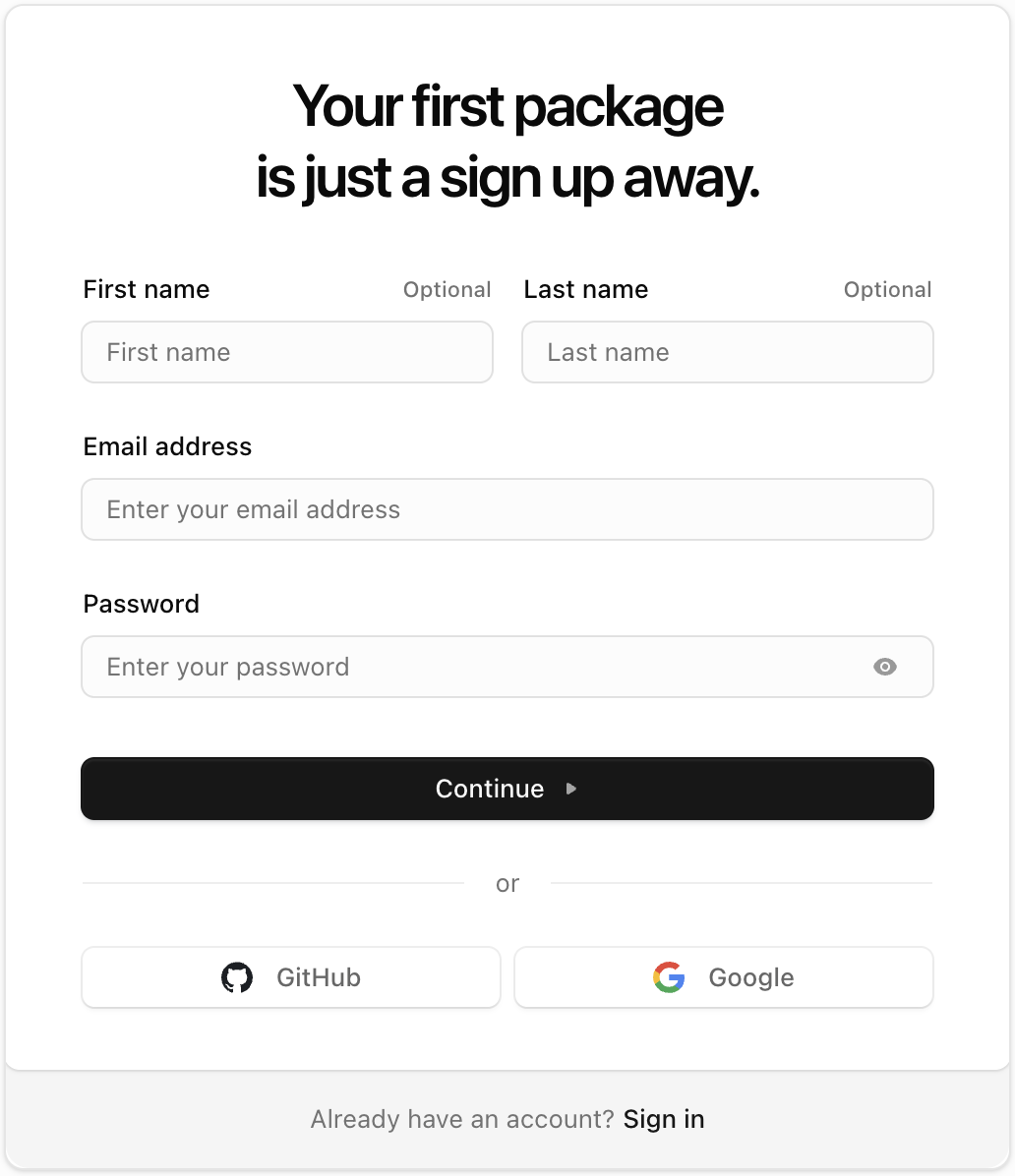
Create your account
You can sign up with Github, Google (Gmail) or with an email and password.
- 2
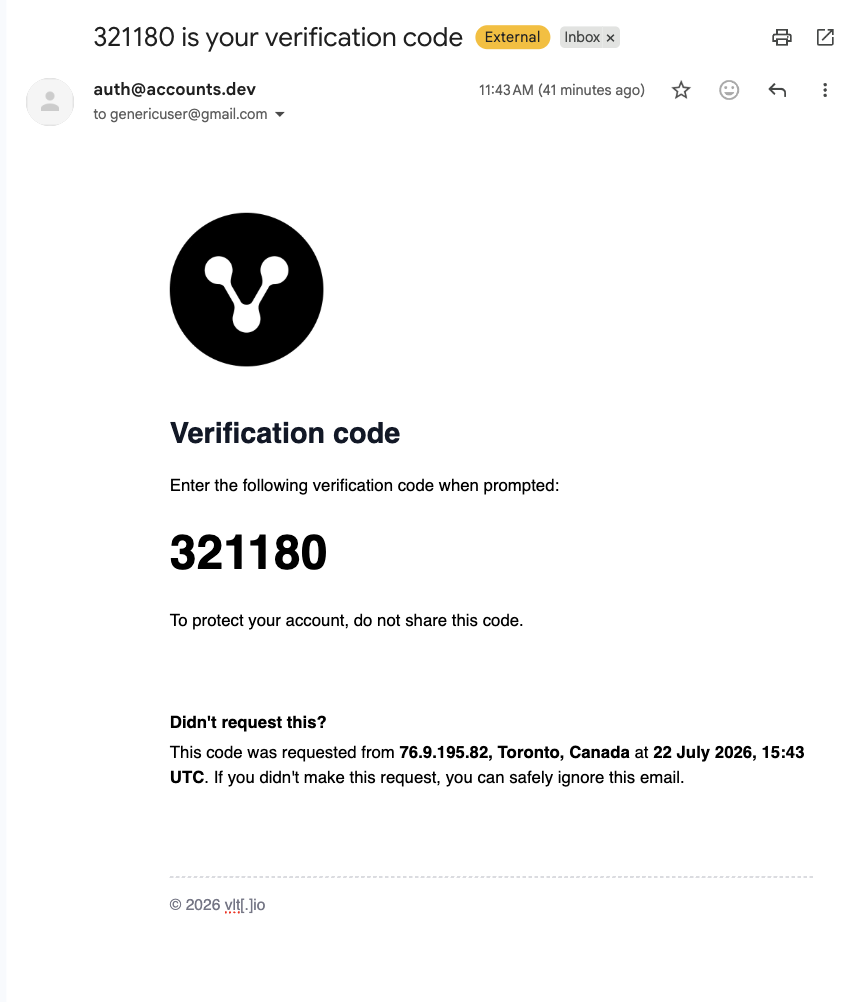
Verify your email
If you signed up with an email and password, check your inbox for a one-time passcode (OTP). Paste it into the verification view to confirm your account.
- 3
Set up your account
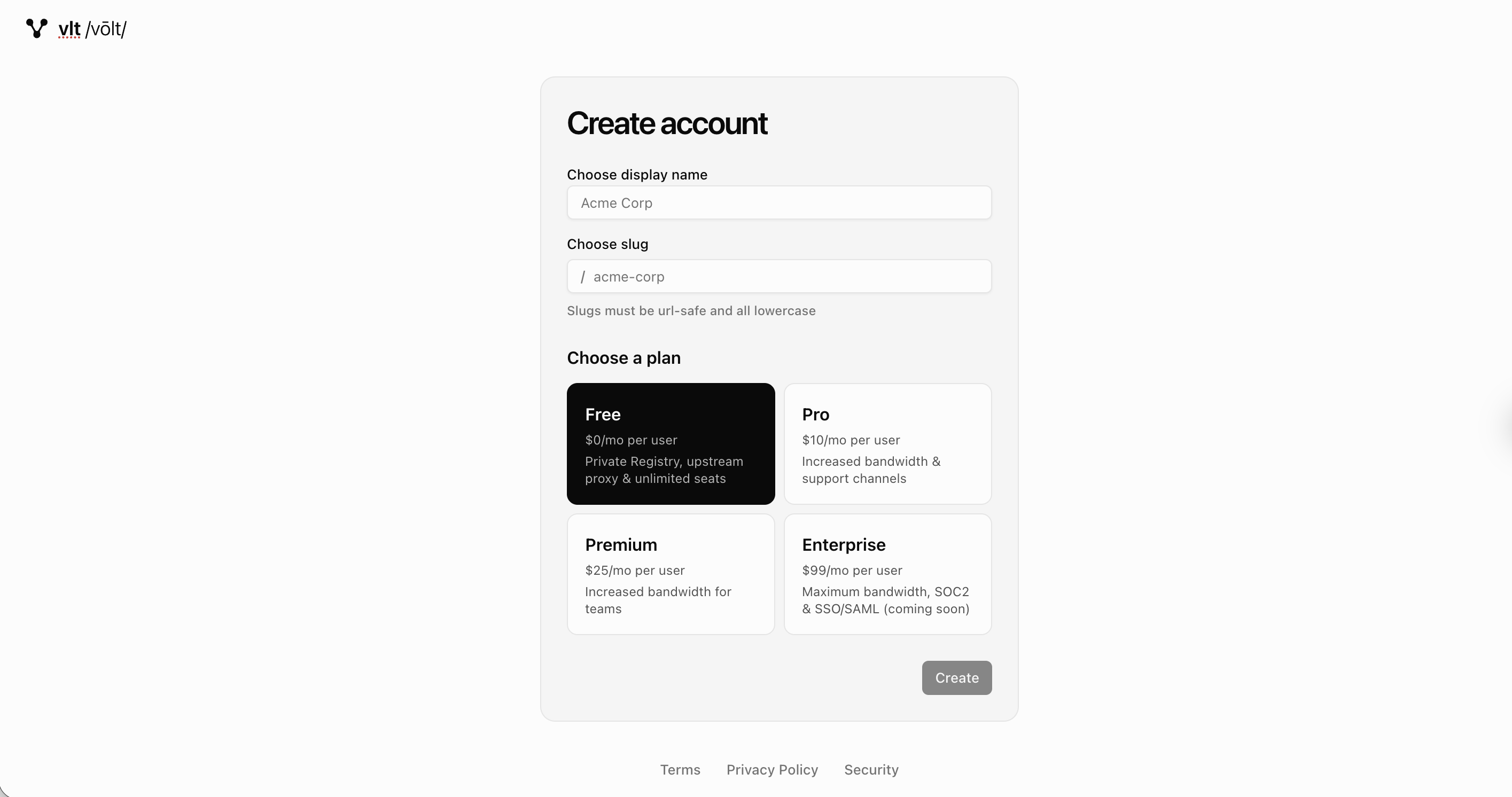
Caution The slug appears in your registry URLs and in your package scope, so choose carefully.
- 4
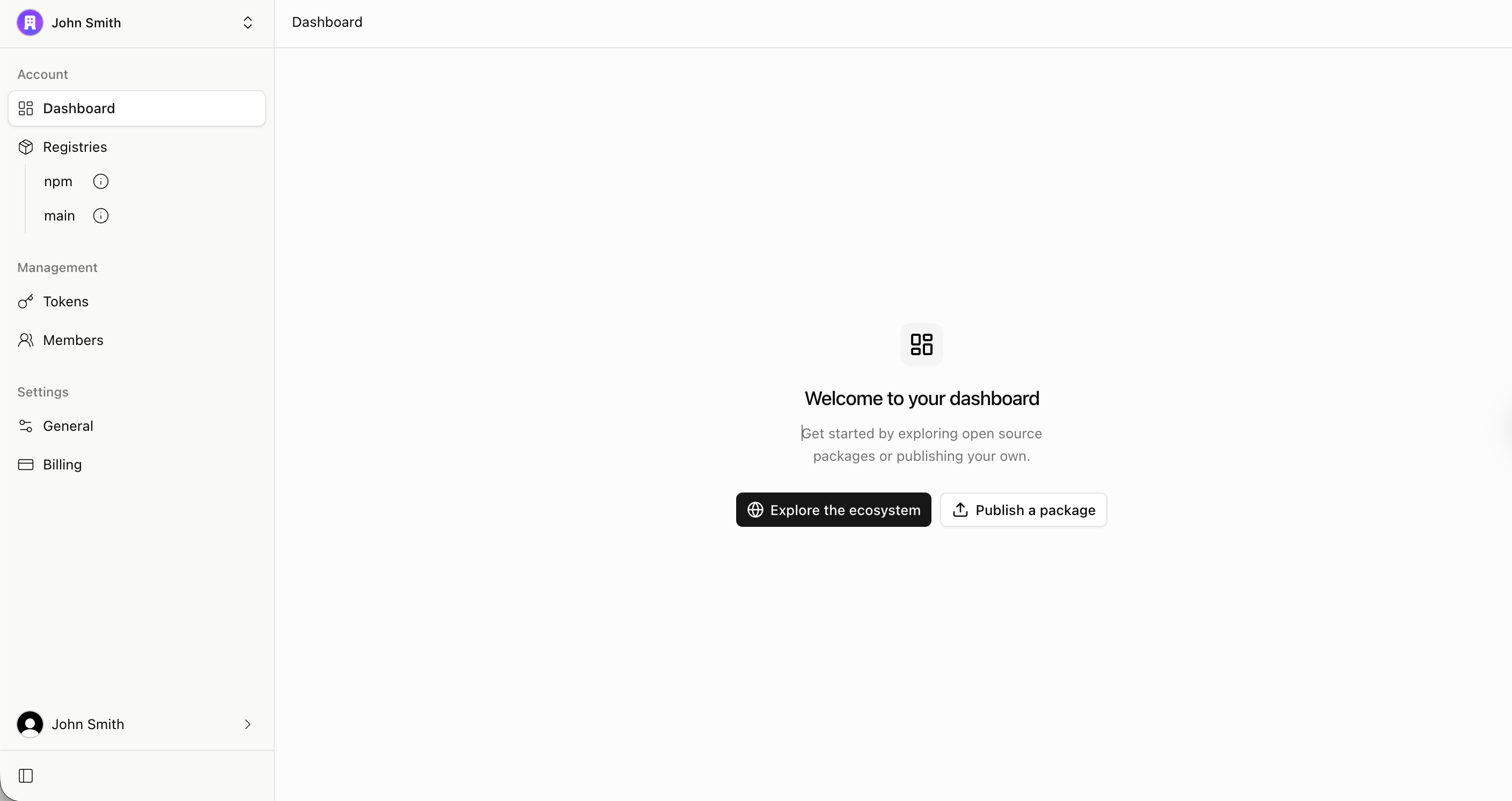
You've signed up! You'll be logged into the Dashboard.
Log in
- 1
Enter your credentials
Log in with your email address, or continue with Github or Google. You can also use a passkey if you've set one up.
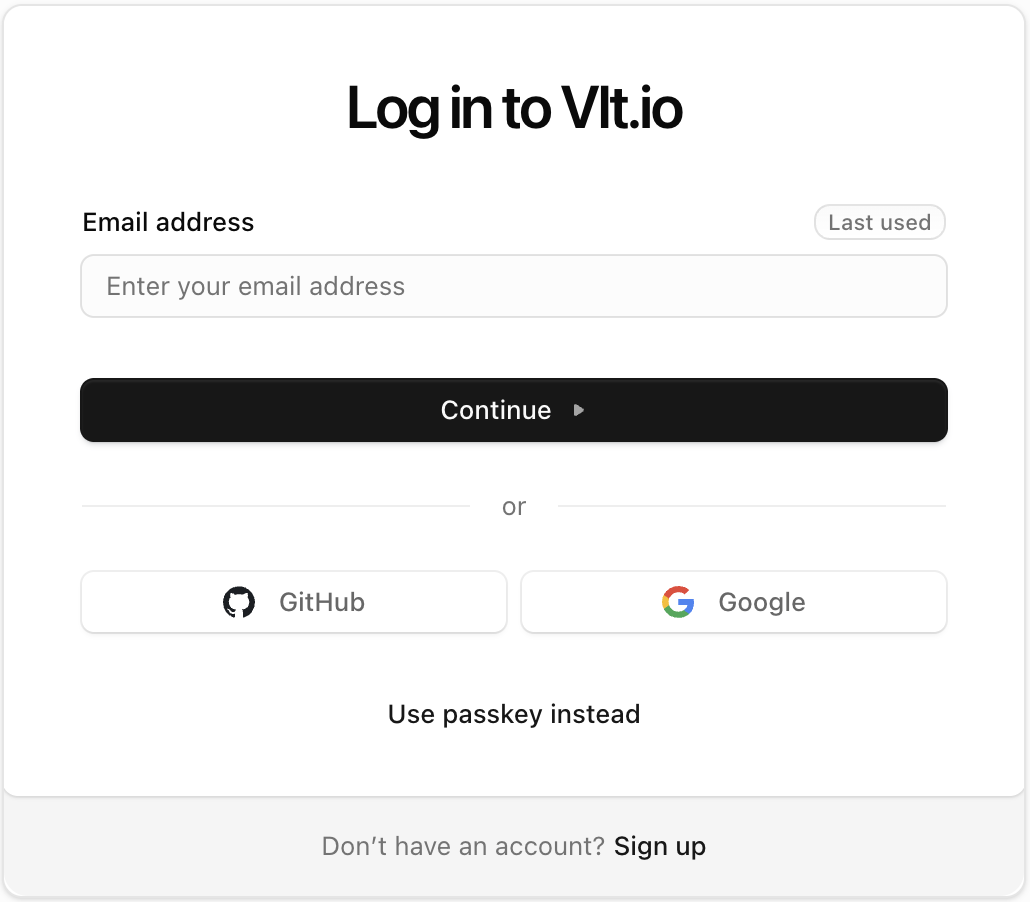
Set up your package manager
Once you have an account, connect the package manager you already use
to your registries. The examples below use acme as the account slug
— replace it with your own, or use the Setup Instructions button
in the dashboard's Registries section, which generates these
instructions for your account.
If you're setting up a vlt.io account for the first time, start with
vlt setup — it
authenticates and configures your account's npm and main registry
aliases in one step:
vlt setupAlternatively, configure a project manually:
- 1
Set up your private
@acmescopeYour private scope lives in a separate registry. To set it up in
vlt.json, run:Terminal vlt config set scoped-registries=@acme=https://registry.vlt.io/acme/main/Then obtain an authentication token for your private scope:
Terminal vlt login --registry=https://registry.vlt.io/acme/main/Now you can publish and install packages from your private
@acmescope. - 2
Set up the vlt.io npm mirror
Change your default registry to your vlt.io mirror. This updates your
vlt.jsonfile to use the mirror for all packages in the current project:Terminal vlt config set registry=https://registry.vlt.io/acme/npm/ \ registries.npm=https://registry.vlt.io/acme/npm/Then log in to obtain an authentication token:
Terminal vlt loginThen reinstall your dependencies from the vlt.io mirror:
Terminal vlt install
CI and hosted environments
Only the vlt CLI reads VLT_TOKEN / VLT_TOKEN_* itself (see
Authentication).
Other package managers need an auth line in their own config, and
Vercel builds use NPM_RC. For CI, Vercel and coding-agent sandboxes,
see CI & automation.